
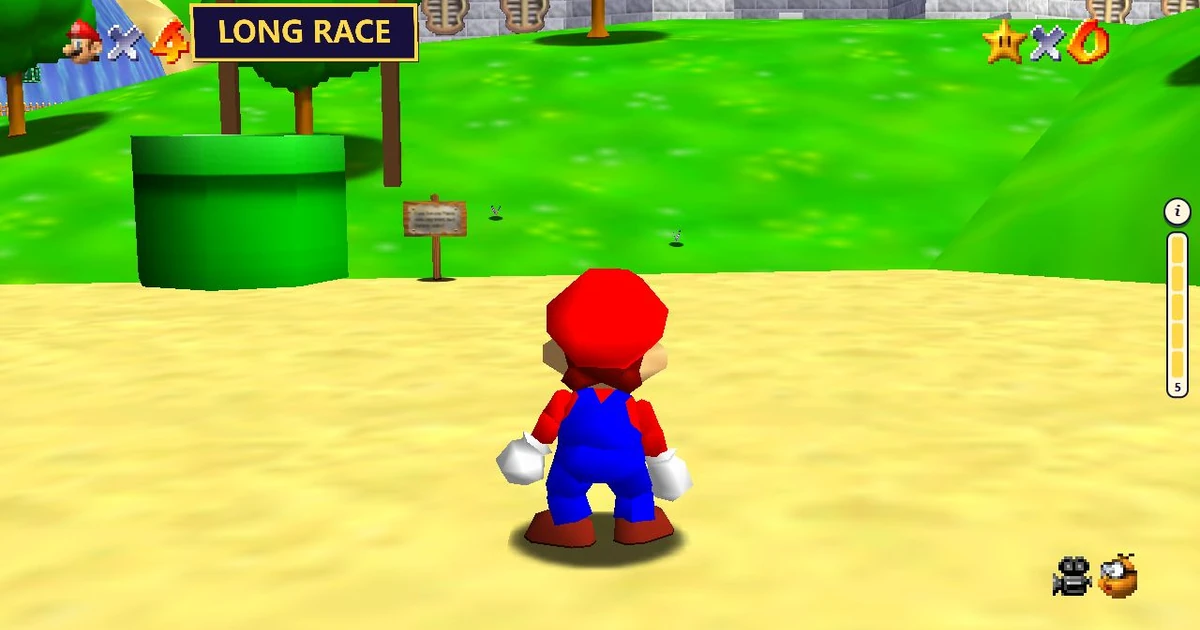
CLASSIC / 3D PLATFORMER
Super Mario 64
Run, jump and explore Princess Peach’s castle in a browser tab. Oliver’s Tools brings the 1996 3D platformer to the web with solo play and optional multiplayer rooms.
Plays on olivers.tools
Opens Oliver’s Tools in a new tab. Allow time for the first load.
- Original release
- 1996
- Style
- 3D platform adventure
- Multiplayer
- Up to 12 players
- Progress
- Save import & export
THE GAME
Explore the castle, one star at a time
Super Mario 64 is Nintendo’s 1996 platform adventure. Peach’s castle connects a collection of worlds where Mario runs, climbs, swims and jumps to collect Power Stars. Explore each area, learn its landmarks and look for a different challenge when you return.
This unofficial browser version is hosted by Oliver’s Tools. It offers single-player play and advertises rooms for up to 12 players. Solo mode is a simple place to learn the keyboard layout and camera before bringing friends along. This fan project is independent of Nintendo.
YOUR FIRST STAR
How to play Super Mario 64 online
- Open Play now and wait for the game to load. Choose single-player to begin exploring on your own.
- Use WASD to move and L to jump. Practise outside the castle before approaching narrow paths or moving platforms.
- Use the arrow keys to adjust the camera. Keep the next landing spot in view rather than jumping toward an unseen edge.
- Enter the castle and explore its worlds. Collect stars to advance, and use Settings when you want to change keys or manage a save.
KEEP YOUR STARS
Local saves and multiplayer rooms
Progress is stored in this browser. Open Settings, then Savefile, to export a backup or import a save. Importing replaces the current progress, so export your existing file first if you want to keep it. Browser data does not automatically move between devices.
The host advertises multiplayer rooms for up to 12 players and mobile support. Choose solo play when you want to explore alone. Keyboard and gamepad options are available in Settings; controls can be rebound to suit your setup.
Before you play
Do I need an account or a ROM upload?
The public play page starts single-player without registration, payment or a ROM upload.
Can I continue on another computer?
Export your save from Settings, then import it on the other computer. Importing overwrites that browser’s current progress.
Is this an official Nintendo release?
No. This is an independent fan port hosted on Oliver’s Tools. Super Mario 64 and its characters belong to Nintendo.